
Skip to product information
1 of 19

D-Link

D-Link BE6500 Tri-Band Wi-Fi 7 Wireless USB 3.0 Adapter (AE65U) for Desktop or Laptop PC

D-Link BE6500 Tri-Band Wi-Fi 7 Wireless USB 3.0 Adapter (AE65U) for Desktop or Laptop PC

Regular price $99.99 CAD
Regular price $99.99 CAD Sale price $99.99 CAD
Sale Sold out
Shipping calculated at checkout.
Quantity

Information on repairability and maintenance for Quebec consumers - Click Here

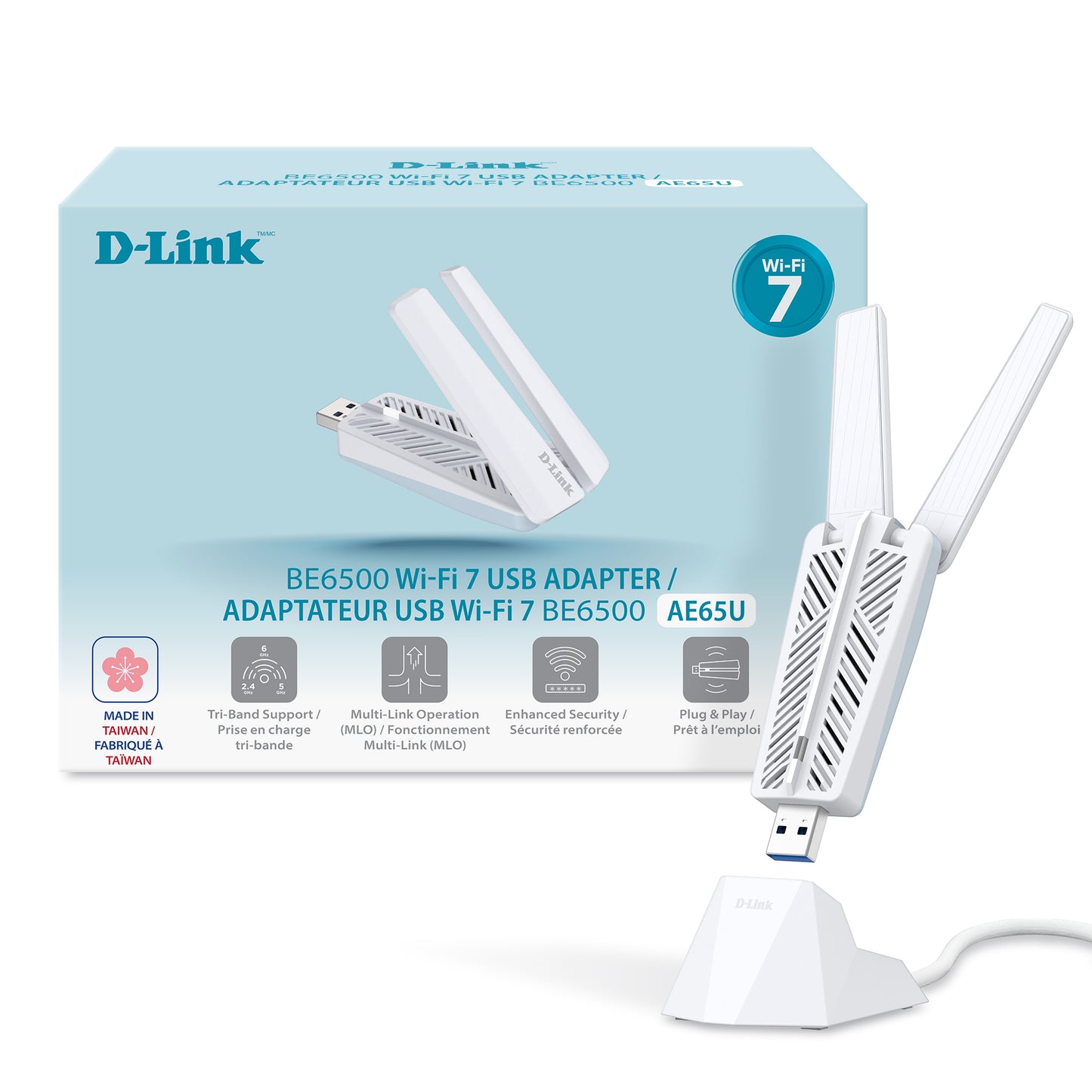
D-Link AE65U BE6500 Tri-Band Wi-Fi 7 USB Adapter with High-Gain Antennas & Cradle

Premium Wi-Fi 7 features. Exceptional value.

Upgrade a compatible desktop or laptop PC to next-generation tri-band wireless without opening the computer or installing an internal Wi-Fi card.
  • BE6500 TRI-BAND WI-FI 7: Get theoretical wireless rates up to 2882 Mbps on 6 GHz + 2882 Mbps on 5 GHz + 688 Mbps on 2.4 GHz when used with compatible Wi-Fi equipment.*
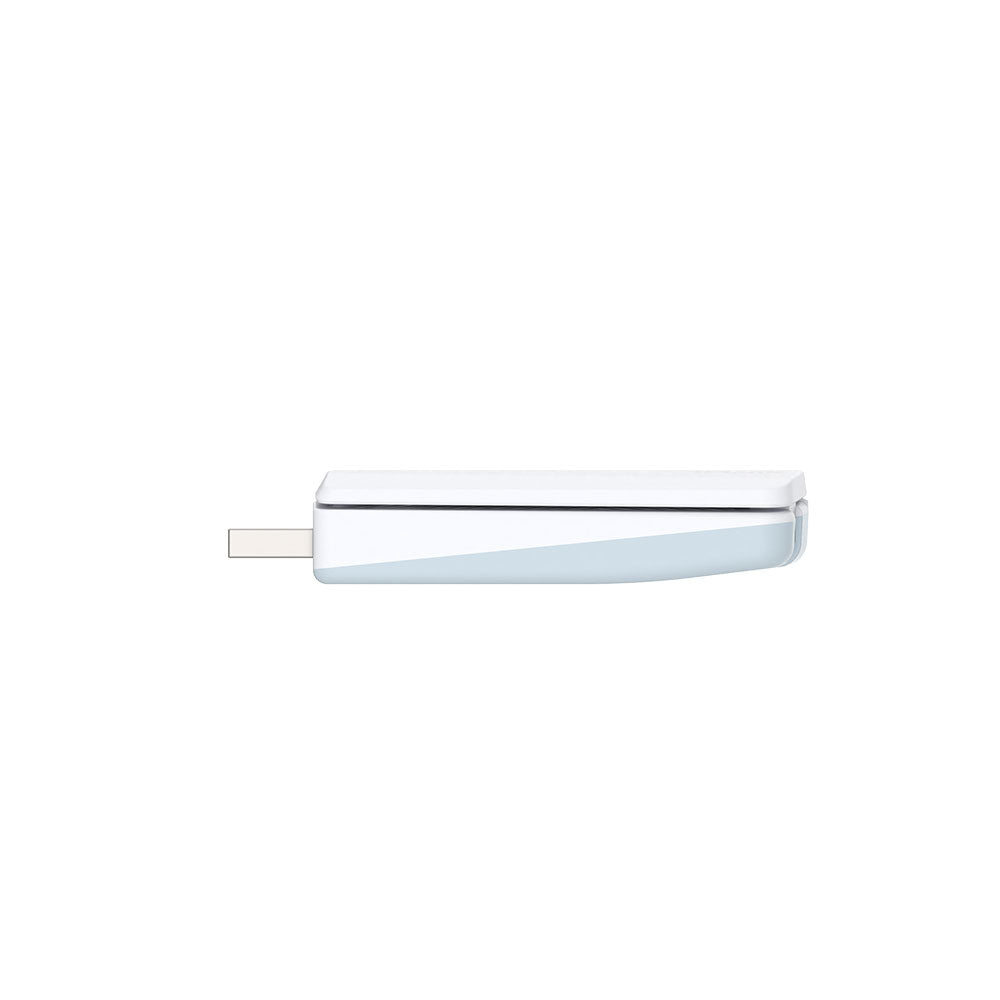
  • DUAL ADJUSTABLE HIGH-GAIN ANTENNAS + CRADLE: Two external 180° adjustable antennas and the included USB extension cradle let you move the adapter away from the PC and position it for better wireless reception.
  • WI-FI 7 TECHNOLOGY: Support for 6 GHz, Multi-Link Operation (MLO), 4K-QAM, Multi-RU, OFDMA and MU-MIMO helps compatible Wi-Fi 7 networks deliver higher efficiency, increased throughput and lower latency.*
  • WINDOWS 10 & WINDOWS 11 COMPATIBLE: Built-in installation support makes it easy to upgrade supported Windows PCs. Full Wi-Fi 7 functionality and 6 GHz operation require Windows 11 version 24H2 or later.*
  • COMPACT 21 g DESIGN: At just 21 g (0.74 oz), AE65U delivers BE6500 tri-band connectivity in a lightweight USB adapter that works directly from the PC or with the included desktop cradle.
  • USB 3.0: A SuperSpeed USB 3.0 interface provides the bandwidth needed for high-performance wireless connectivity and remains backward-compatible with USB 2.0 ports.***
  • WPA3 SECURITY: Supports WPA3 and WPA2 wireless encryption for modern network security and compatibility****.
View full details

A Smarter Way to Upgrade to Wi-Fi 7

The D-Link BE6500 Wi-Fi 7 USB Adapter (AE65U) brings next-generation tri-band Wi-Fi to your PC with a simple plug-and-play setup - no internal hardware or opening up your computer required. It supports the 6 GHz band, wider channels and 4096-QAM for faster speeds and lower latency on compatible networks. Dual 180° adjustable antennas and a detachable USB cradle make it easier to position for optimal reception.

  • Tri-Band

  • Multi-Link Operation (MLO)

  • 4K-QAM

Give Your PC New Life with Plug-and-Play Wi-Fi 7

The AE65U brings Wi-Fi 7 capabilities to your PC, supporting faster speeds* and
lower latency on compatible networks. Ideal for streaming, gaming, file transfers, and video conferencing, it helps improve overall wireless performance so you can get more out of your connection.

  • Online Gaming

    Helps support fast, stable connections with lower latency for online gaming on compatible networks.*

  • Video Calling

    Helps support clear video and audio quality during virtual meetings on compatible systems.*

  • 4K Streaming

    Designed to support smooth 4K streaming and large data transfers on compatible networks.*

  • Working in the Office

    Provides flexible wireless connectivity to your workstation without requiring complex wired setups.*

Adjustable Antennas for Better Reception

Dual 180° adjustable antennas and a detachable USB cradle with an extension cable support flexible placement and improved signal reception, helping extend wireless coverage on compatible networks.*

Adjustable Antennas for Better Reception

Dual 180° adjustable antennas and a detachable USB cradle with an extension cable support flexible placement and improved signal reception, helping extend wireless coverage on compatible networks.*

Smarter Connections with Multi-Link Operation

The AE65U supports Wi-Fi 7 Multi-Link Operation (MLO), allowing compatible devices to transmit data across multiple frequency bands. This helps improve load balancing and connection consistency, supporting higher throughput and a smoother online experience on compatible networks.*

Plug-and-Install Simplicity

Set up the AE65U quickly with a simple plug-and-install design. Just connect it to a USB port to add Wi-Fi 7 capability to your PC, with a straightforward setup process using pre-loaded drivers on supported Windows systems.**

** Auto-installation drivers are supported on Windows 11 and Windows 10. Use of the 6 GHz band for Wi-Fi 7 requires Windows 11. Wi-Fi 7 functionality is supported on Windows 11 version 24H2 or later.

Enhanced Network Security****

Supports WPA3™, the latest Wi-Fi security protocol, which helps strengthen encryption and help improve protection against unauthorized access to help better safeguard your wireless connection and personal data.

Improved Network Efficiency

The AE65U supports advanced Wi-Fi technologies, including OFDMA, MU-MIMO, and beamforming, which help manage network traffic more efficiently and improve overall connection consistency. Designed to support better performance for multiple devices on compatible networks.

Superfast USB 3.0 Transfer Speeds

USB 3.0 support delivers up to 10× faster transfer speeds than USB 2.0, helping your adapter keep up with faster wireless connections and demanding applications.***

Detachable Cradle for Flexible Positioning

The AE65U comes with a detachable cradle and an extension cable, giving you the flexibility to position the adapter for maximum coverage and performance, ideal for signal-challenged areas.

Frequently Asked Questions

Does AE65U work with Windows 10?

Yes, AE65U supports Windows 10 driver installation; however, full Wi-Fi 7 functionality requires Windows 11 24H2 or later.

Does Windows 10 support Wi-Fi 7?

No. Wi-Fi 7 support is available starting with Windows 11 24H2. On Windows 10, AE65U operates within the capabilities supported by that operating system.

Do I need a Wi-Fi 7 router?

A Wi-Fi 7 router is required to use Wi-Fi 7-specific capabilities. The adapter can also connect to compatible earlier-generation Wi-Fi networks.

Why does AE65U include a USB cradle?

The cradle allows the adapter and its antennas to be positioned away from the PC chassis or obstructed USB-port location, improving placement flexibility.

Specifications

Antenna
2 x external antennas

Certifications
FCC Class B
CE
IC

Dimensions
86.57 x 36.2 x 17.08 mm (3.41 x 1.43 x 0.67 in)

Standards
IEEE 802.11be/ax (6 GHz)
IEEE 802.11be/ax/ac/n/a (5 GHz)
IEEE 802.11be/ax/n/g/b (2.4 GHz)

Interfaces
USB 3.0 port

Operating Humidity
10% to 90% non-condensing

Operating Temperature
0 to 40 °C (32 to 104 °F)

Operating System
Windows 11
Windows 10

Power
Power consumption:
• Standby mode: 125 mA
• Operating mode: 490 mA

Operating voltage:
5V DC+-10%

Storage Humidity
5% to 95% non-condensing

Storage Temperature
-20 to 75˚ C (-4 to 167° F)

Weight
21 g (0.74 oz)

Wireless Encryption
WPA3
WPA2

*Wi-Fi 7 features, 6 GHz band availability, and performance benefits require a compatible tri-band Wi-Fi 7 router, supported client device, and operating system. Availability of the 6 GHz band may vary by region and is subject to local regulatory approval. Actual performance may vary based on network conditions, device compatibility/configuration, and environmental factors. **The maximum data rates, speeds (e.g., bps), and coverage mentioned are theoretical based on IEEE 802.11be/ax/ac/n/g/b standards, and for informational
purposes only. Actual performance, including data rates, speed, bandwidth, coverage, and other performance metrics mentioned, may vary depending on various factors, including, but not limited to, environmental and network conditions, device limitations, and your ISP service plan. ***10× refers to the maximum theoretical bandwidth difference between USB 3.0 and USB 2.0. Actual performance may vary due to different factors. Using a USB 1.1 or USB 2.0 port may affect device performance; a USB 3.0 port or higher is recommended.****Disclaimer: As there is no fully secure solution and no absolute hack-proof network, D-Link makes no warranty or guarantee that its products will prevent unauthorized access, hacking, or cyberattacks.

For support requests and to download assets like Datasheets, Manuals, and Warranty, etc., please visit: support.dlink.com