

-

Centralized Device Management
Enables centralized device management, automated configurations, and simultaneous firmware updates for efficient network operations.
-

Role Based Administration
Allows network administrators to assign role-based access levels and permissions while enabling localized control for specific network segments.
-

Online Firmware Upgrade
Enables remote firmware upgrades, ensuring the latest features, security patches, and performance improvements without manual intervention.
-

Traffic Reporting and Analytics
Provides advanced traffic analytics, real-time insights, and customizable reports for optimized network performance.
-

Advanced VLAN Segmentation and Access Policies
Enhances network security and efficiency with VLAN access control, enabling administrators to segment networks, prioritize traffic, and enforce tailored policies.
-

Auto RF & Bandwidth Optimization
Optimizes wireless performance with Auto RF and Bandwidth Optimization, ensuring optimal connectivity and minimal interference.
-

Multi-SSID and Captive Portal Authentication
Supports Multi-SSID and Captive Portal, allowing separate networks for user groups with secure, customizable login options for guests and employees.
-

Real-Time Monitoring and Alerts
Monitor real-time network status, generate reports, and receive instant alerts from a centralized dashboard.


Centralized Management for APs and Switches
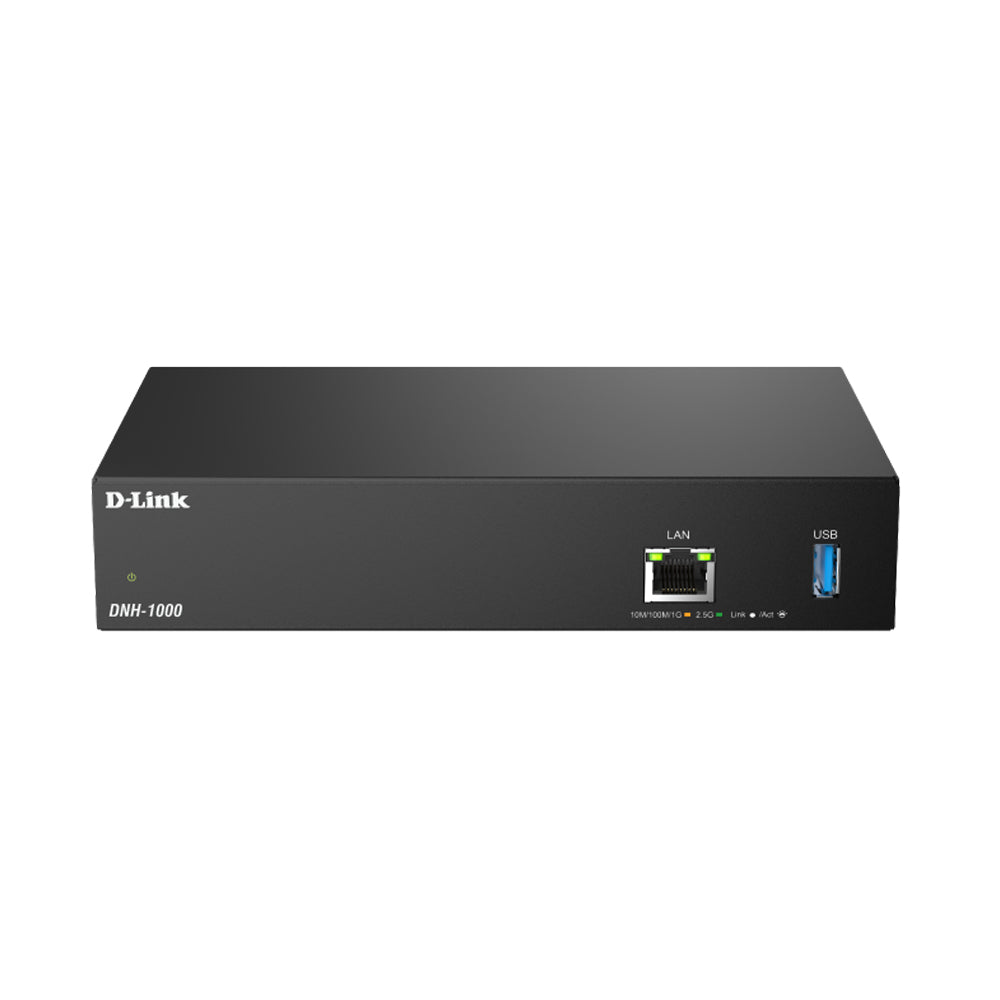
The Nuclias Network Controller centrally manages up to 500 devices via a unified interface. It enables configuration of SSID, VLAN, RF, and firmware updates to reduce downtime and manual effort. With role-based access and compatibility with Nuclias APs and switches, it ensures secure, scalable, and efficient network operations.
Compatible Switches
-
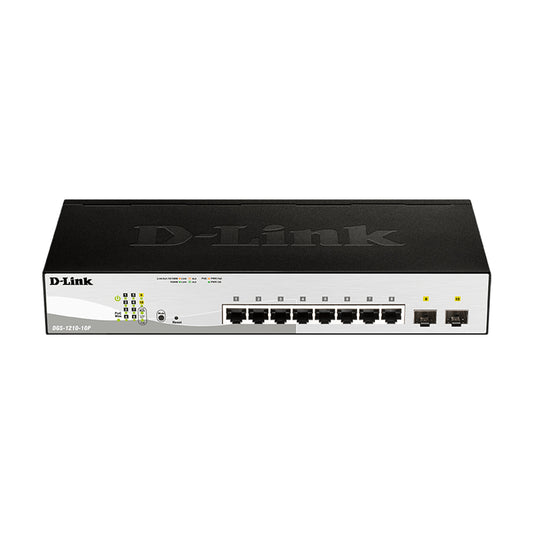
10-Port Gigabit Smart Managed PoE Switch - DGS-1210-10P
Regular price $197.99 CADRegular price$219.99 CADSale price $197.99 CADSale -
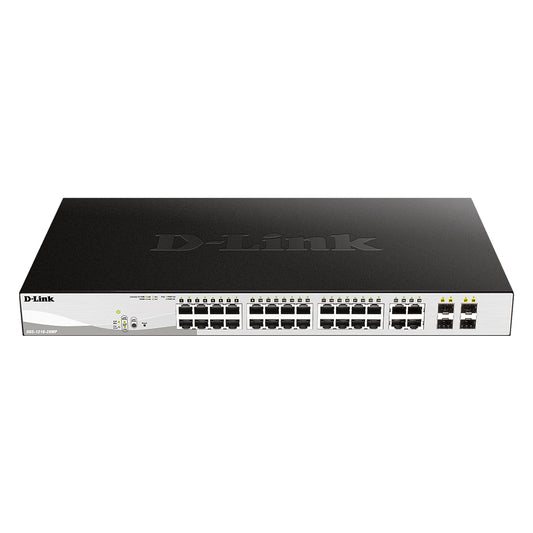
28-Port Gigabit Smart Managed PoE Switch - DGS-1210-28MP
Regular price $520.19 CADRegular price$577.99 CADSale price $520.19 CADSale -
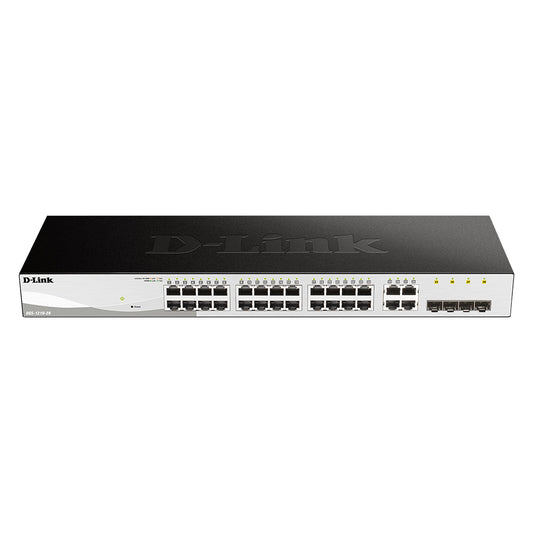
28-Port Gigabit Smart Managed Switch - DGS-1210-28
Regular price $233.99 CADRegular price$259.99 CADSale price $233.99 CADSale -
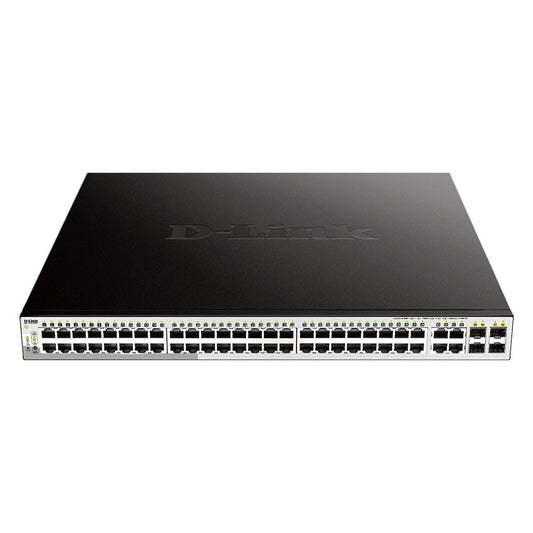
52-Port Gigabit Smart Managed PoE Switch - DGS-1210-52MP
Regular price $782.99 CADRegular price$869.99 CADSale price $782.99 CADSale
Compatible Access Points
-
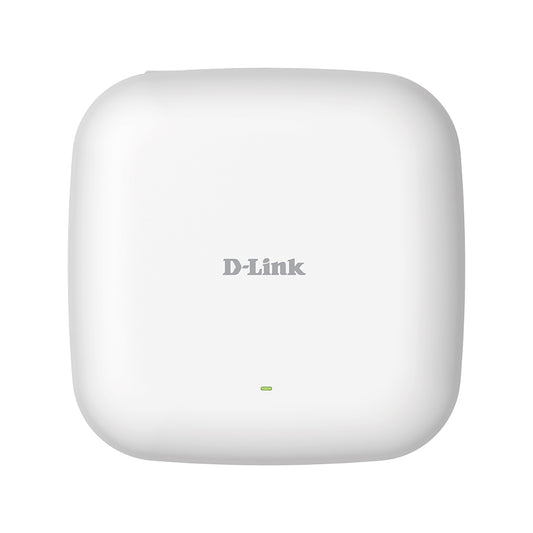
Nuclias Connect AX1800 Wi-Fi 6 PoE Access Point - DAP-X2810
Regular price $141.29 CADRegular price$156.99 CADSale price $141.29 CADSale -
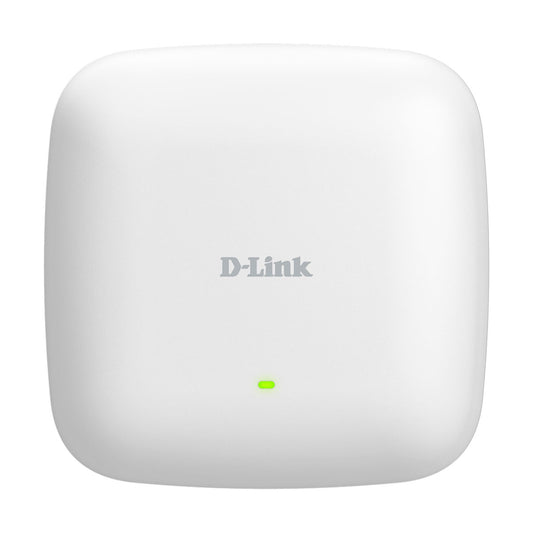
Nuclias Connect AX3000 WiFi-6 PoE Access Point - DAP-X3060
Regular price $169.99 CADRegular price$199.99 CADSale price $169.99 CADSale -
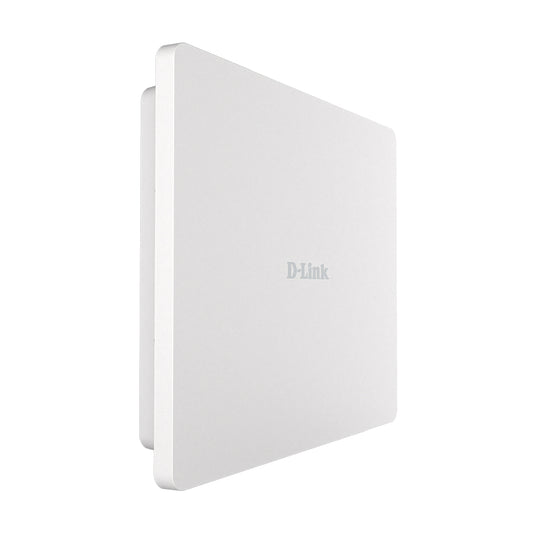
Nuclias Connect AX3000 WiFi-6 Outdoor PoE Access Point - DAP-X3060OU
Regular price $296.99 CADRegular price$329.99 CADSale price $296.99 CADSale

Batch Configuration for Streamlined Network Management
Effortlessly apply settings, updates, and security policies across multiple APs and switches, reducing manual effort and ensuring consistency. Automate SSID, VLAN, RF optimization, scheduling, and wireless resource allocation to optimize network performance, while streamlining IPv4 ACL, access policies, port settings, and SNTP configurations for enhanced security and reliability.

Auto RF for Stable Connectivity
Enhances wireless performance with Auto RF Management, which dynamically adjusts channel and power levels based on real-time interference and traffic conditions to reduce signal interference and maintain stable connectivity. Bandwidth Optimization enables efficient allocation of bandwidth across devices to ensure optimal connectivity.
Real-Time Monitoring for Smarter Network Management


Deployment & Monitoring with the Nuclias Connect App
Effortlessly deploy and monitor your network with the Nuclias Connect app. Simplify device setup, track real-time performance—all from the convenience of your mobile device.

VIP Pricing Program
Rewarding your affinity for D-Link
Join the D-Link VIP program for access to exclusive perks, including instant rebates on qualifying business-class orders placed through dlink.ca
For IT Professionals, SMBs, Business Owners, and smaller Resellers.